You know how difficult it can be when listening to an audio files and writing what you hear at the same time. Especially if you have to toggle between two screens. It can become quiet annoying when you are listening to an audio file and then you need to pause it before opening your text document to write down what you have just listened to. All this can be much easier if you can simple have down the audio file and the text file on the same screen and in the same app. This way it takes care of the pressure of switching between apps and just concentrate on one and get the job done.
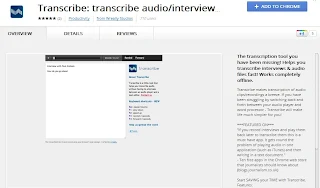
Transcribe is a Google Chrome extension that helps you get this whole thing done with one clear and smooth interface.
Transcribe: How it works
it is fairly simple to use, simply install the extension and then start uploading the files you want to convert from audio into text. You can upload either MP3 or Wav format. Once uploaded you can then begin the playback and start typing. The player has all the basic controls like stop, rewind, speed up, slow down etc. Once your done typing you can then copy paste your data.
Install Transcribe Google Chrome Extension
Comments
Post a Comment